Your IPTV, beautifully played.
KittoTV is a focused player for the service you already have. Live TV, a full program guide, movies and series, in an app made for the Siri Remote and the Mac.
Apple TV (tvOS 17 or later) · Mac (macOS 14 or later)
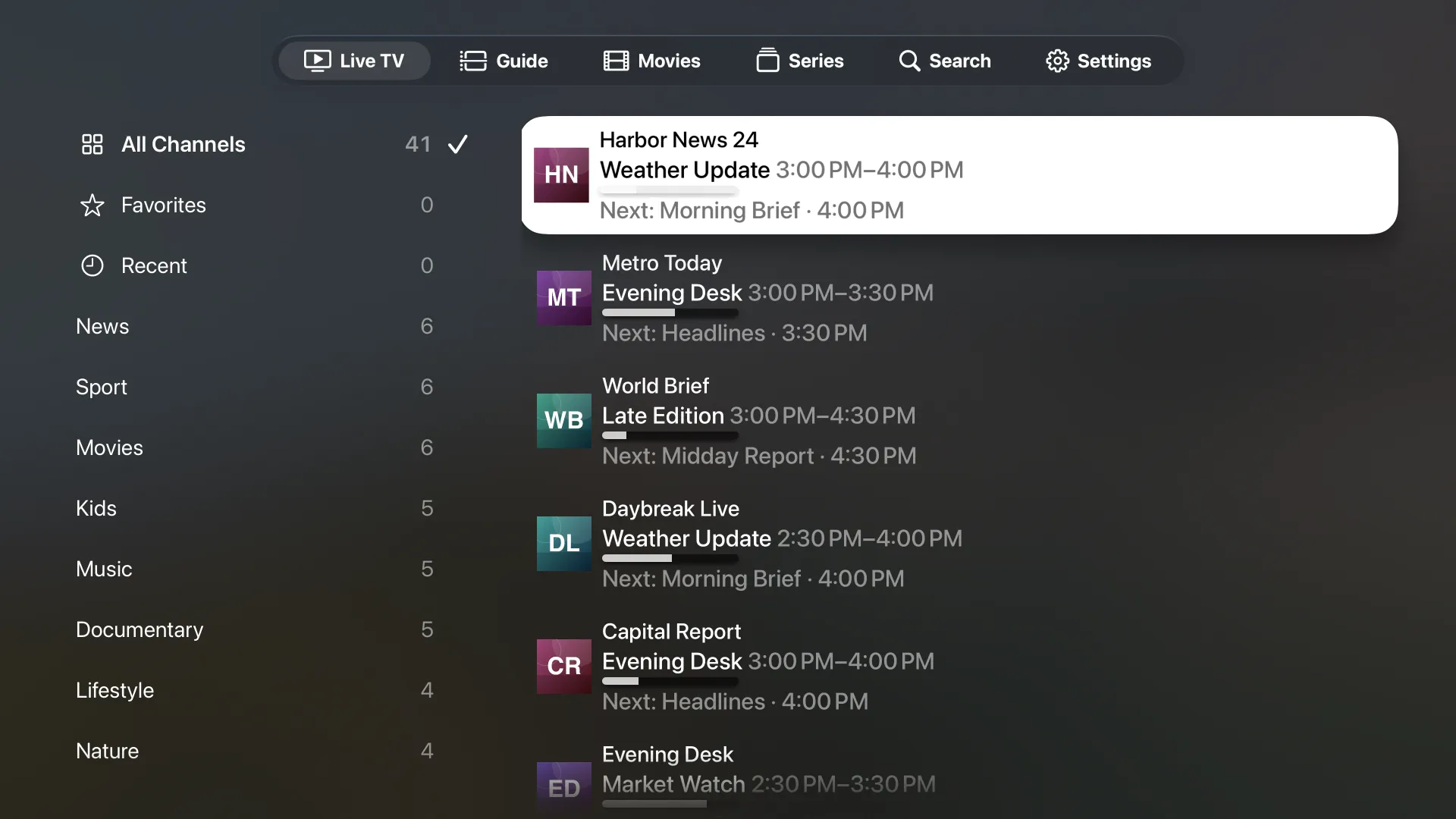
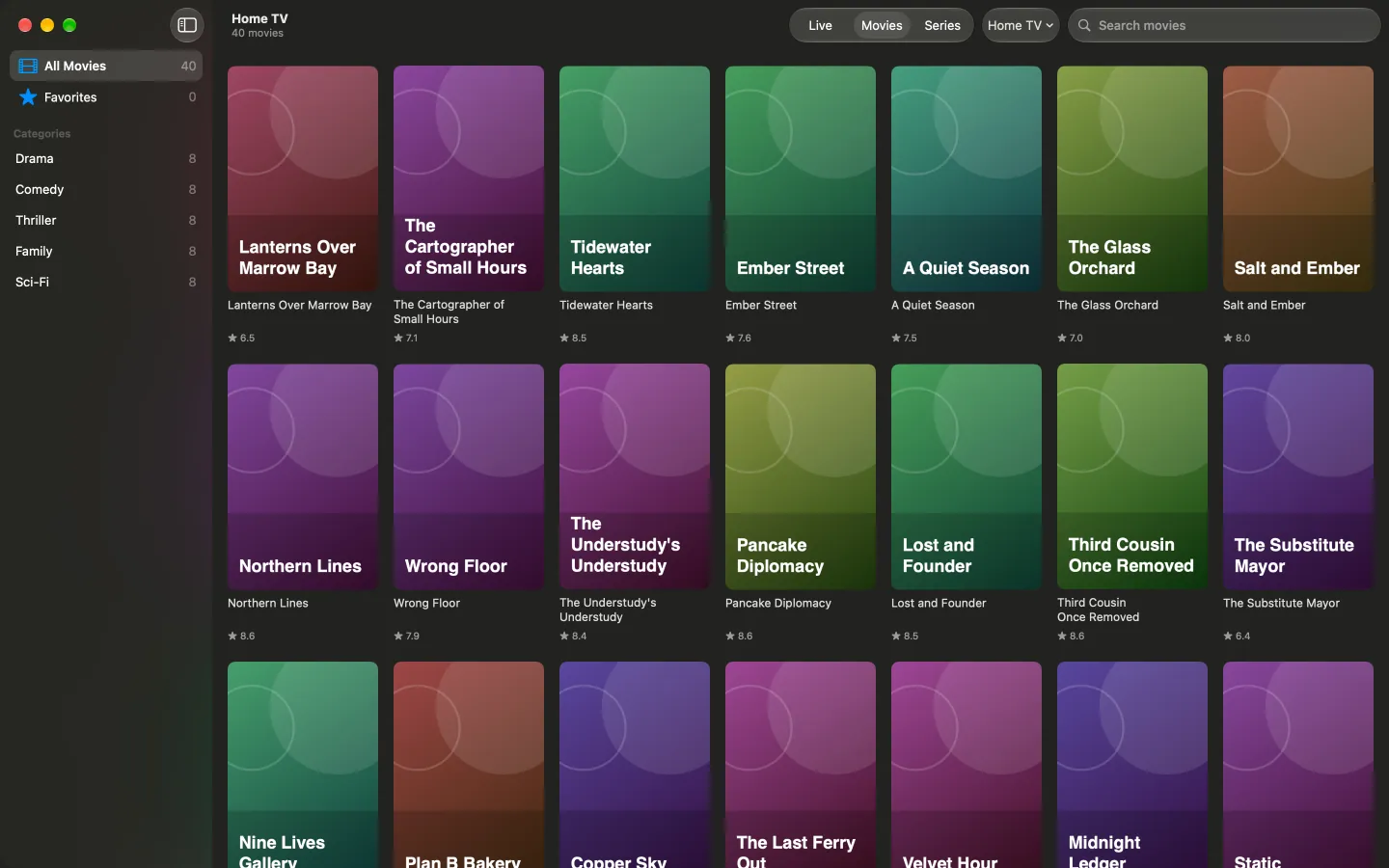
Screens show sample content. KittoTV includes no channels, movies or series of its own.
- No accounts
- No ads
- No tracking
- One-time unlock, no subscription
Live TV
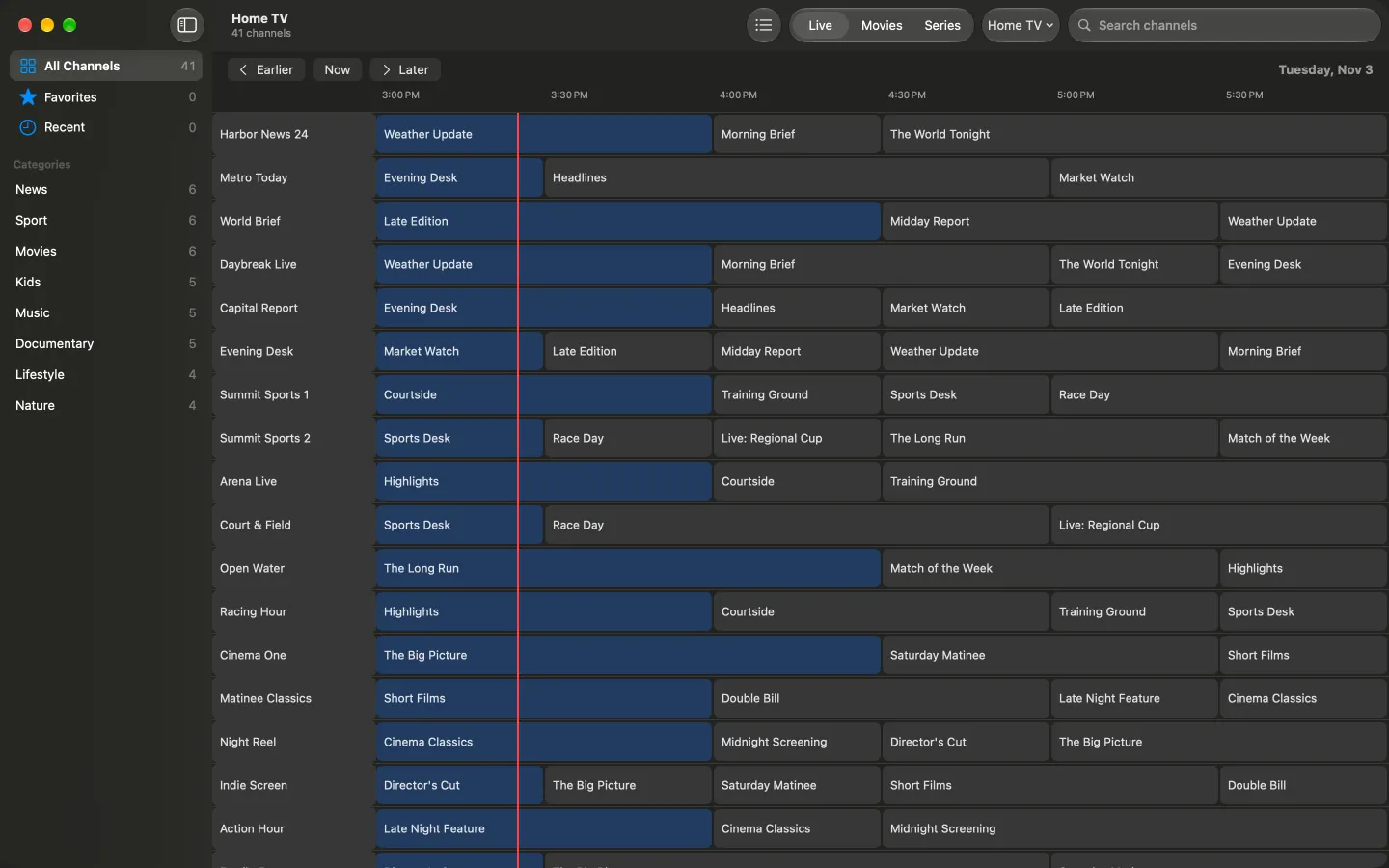
A guide that tells you what's on.
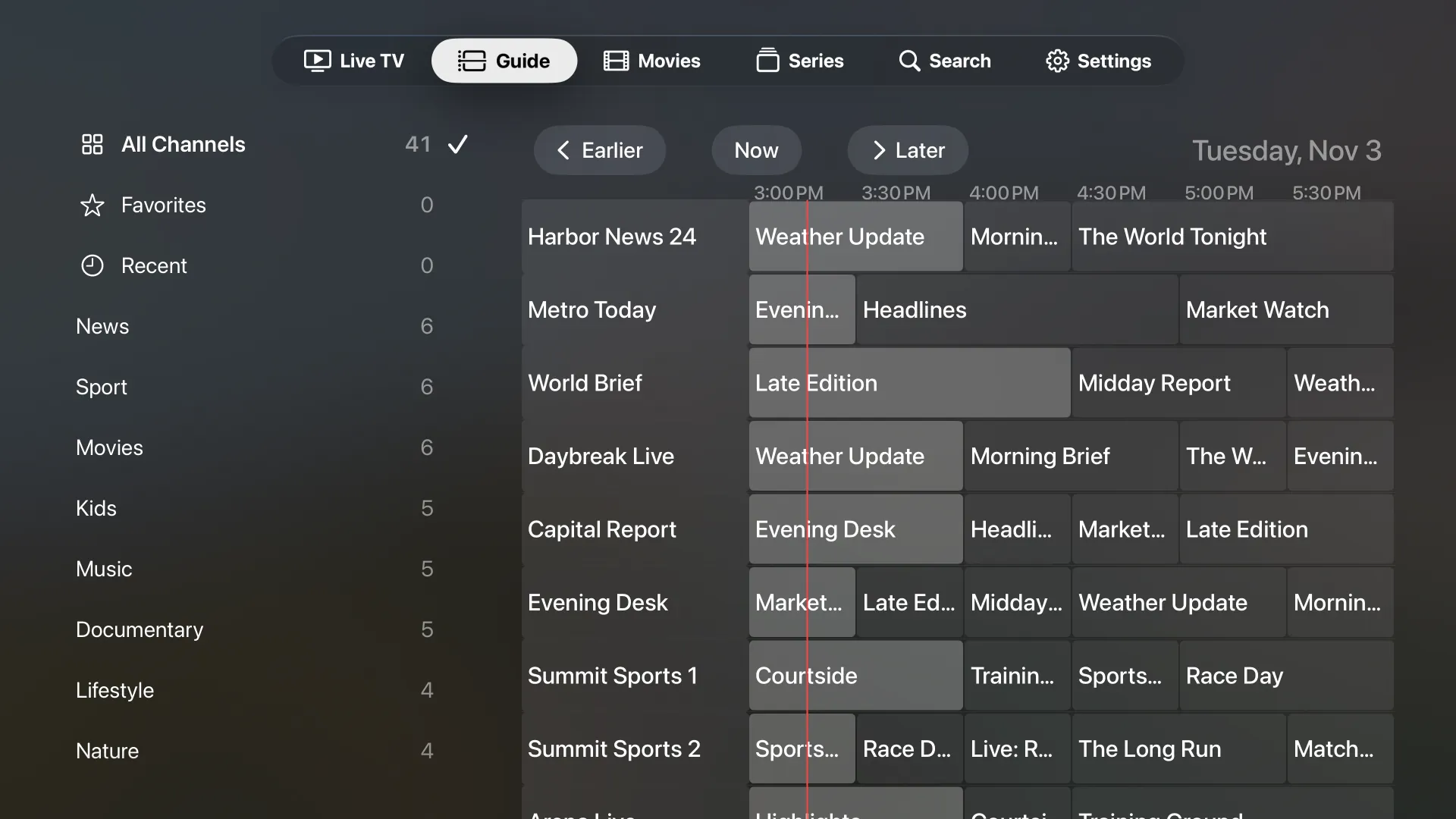
Browse your channels by category, search them, and scroll a program guide that shows what's on now and what's next.
- Now and next on every channel
- Scroll ahead through your provider's schedule
- Open a programme for its details
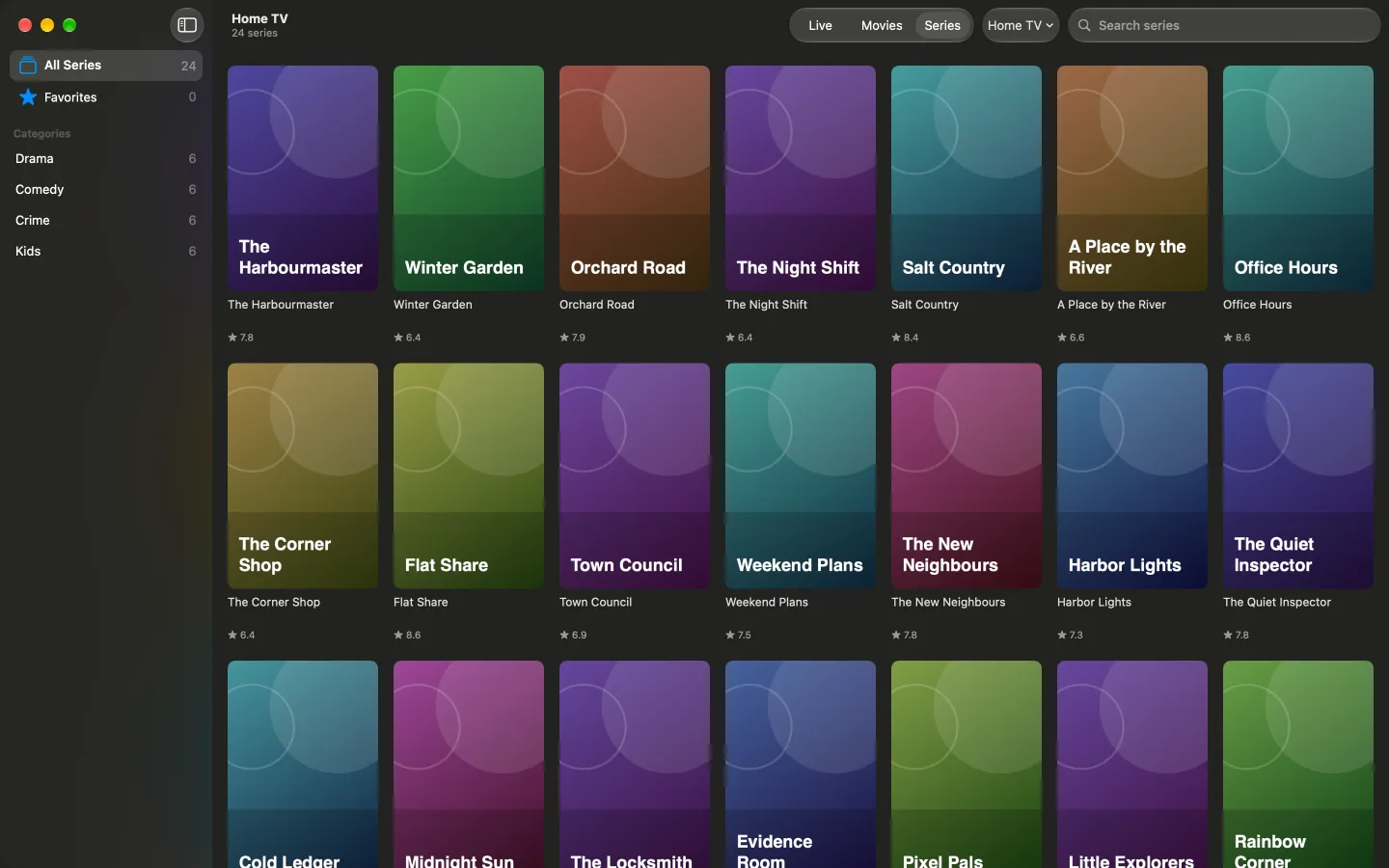
Movies and series
Pick up right where you left off.
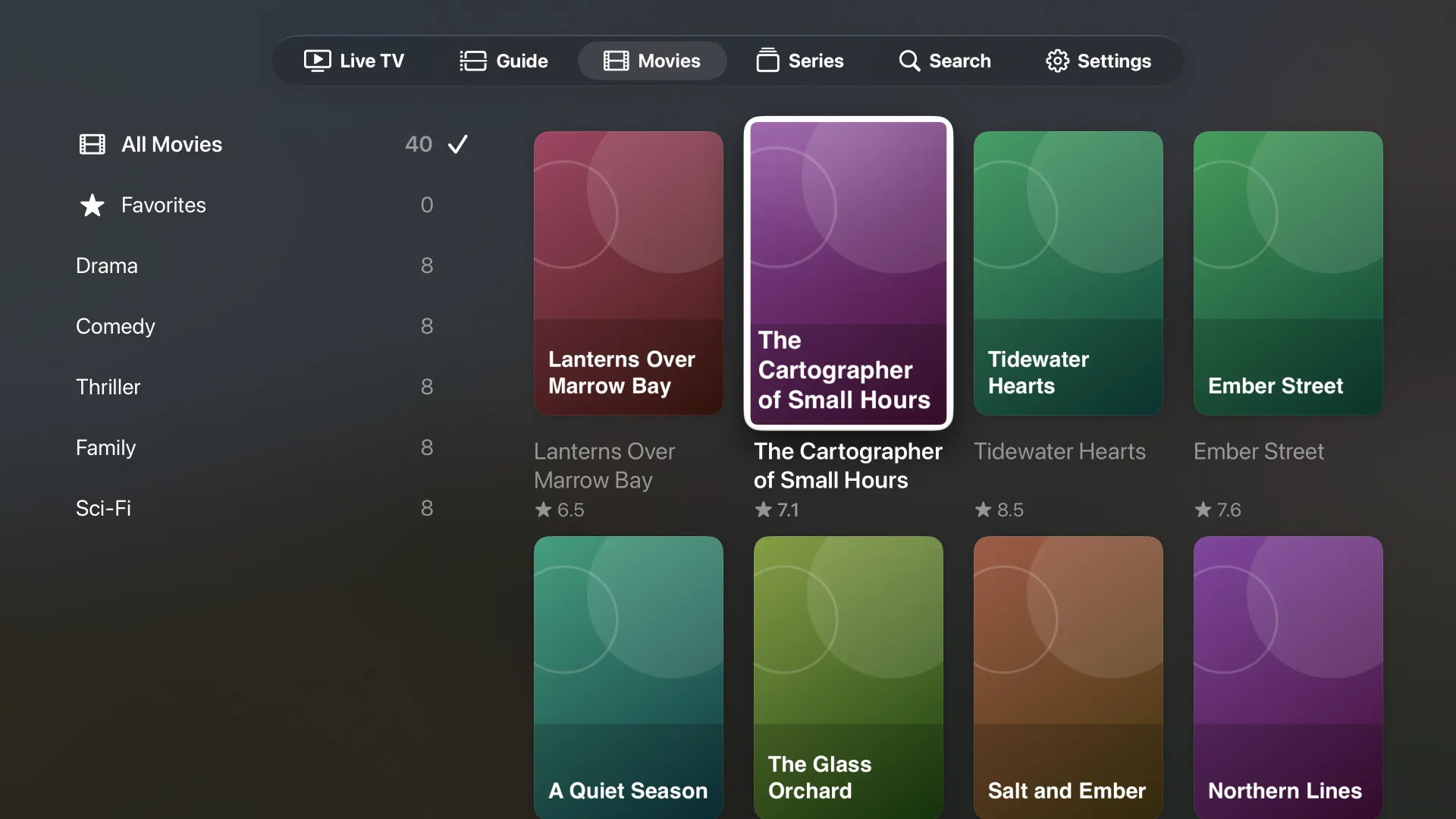
If your service offers movies and series, they get a space of their own, with posters, details and a play button.
- Your place is remembered for every movie and episode
- MKV and MP4 files play, with a choice of audio language
- Favorites for the ones you come back to
Apple TV and Mac
At home on the couch. And at the desk.
On Apple TV, every screen is built around the Siri Remote and its focus. On the Mac, it's a real Mac app, with your keyboard, trackpad and a window you can size.
- One catalog, laid out for each device
- Optional iCloud sync keeps sources, favorites and progress the same on both
Setup
Set up from your phone.
Typing a login with a remote is slow. Scan the code on your TV and enter your details on your phone instead.
- It all stays on your home network
- The page closes itself once your source is added
- Works with an Xtream-style account or an M3U playlist
Everything in its place
The details are done.
A player lives on small things. These are the ones we sweated.
Your languages first
Put the languages you watch at the top, and hide the rest.
Favorites and recents
Star channels, movies and series, and jump back to what you watched last.
Search that gets out of the way
Find a channel, movie or series by name, wherever you are in the app.
Hide categories behind a PIN
Keep the categories you choose out of sight until you unlock them.
Optional iCloud sync
Keep your sources, favorites and progress the same on your Apple devices. Turn it off any time.
Made for the Siri Remote
Clear focus and generous targets, so you always know where you are.
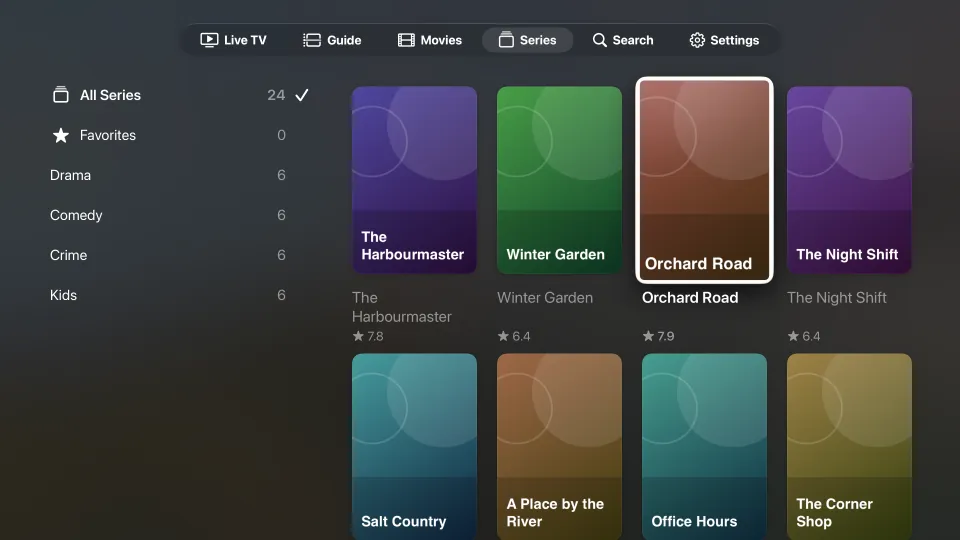
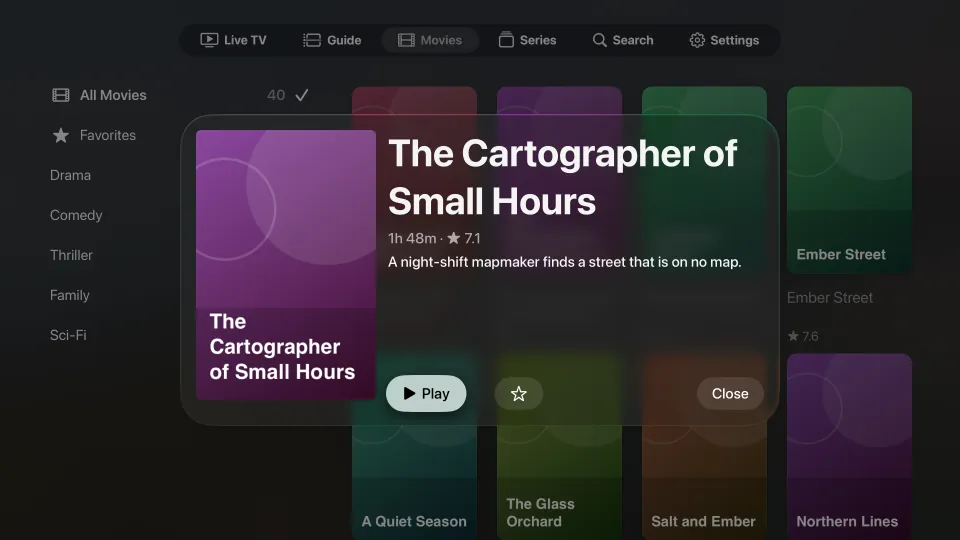
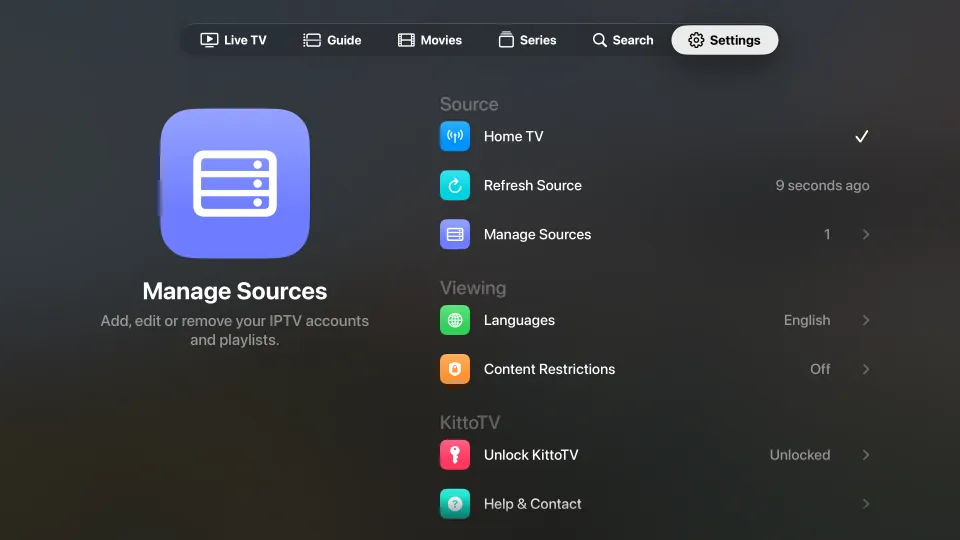
Screens show sample content.
Private by design
KittoTV collects nothing about you. Your logins stay in the Keychain on your device, and iCloud sync is optional and stays in your own iCloud. Read the privacy policy.
Try it first
Free for 14 days. Then yours to keep.
Everything is open for 14 days. After that, live TV and the guide keep working with one source, and a single unlock adds the rest.
After the trial
Free, with one source
- Live TV and the program guide
- Favorites and recents
- Your data is never deleted
Unlock KittoTV
One purchase, no subscription
- Movies and series
- As many sources as you like
- Family Sharing
- Restores on any device with your Apple ID
Purchases are handled by Apple, and the price is shown in the App Store.
Questions
Good to know.
Does KittoTV include channels or content?
No. KittoTV is a player only. It includes no channels, movies, series or subscriptions, and it doesn't recommend any provider. You add the account or playlist from your own service, and you are responsible for having the right to watch what it offers.
What do I need to use it?
An IPTV service of your own: an Xtream-style account (server, username and password) or an M3U playlist, with an optional guide address. Movies and series appear for accounts that offer them.
Which devices does it run on?
Apple TV with tvOS 17 or later, and Mac with macOS 14 or later.
Is my login safe?
Passwords are kept in the Keychain on your device. If iCloud sync is on, they sync through your own iCloud account, end-to-end encrypted if you use Advanced Data Protection. We never see them.
Where do I get help?
Visit Support for answers to the common questions, or write to us.

Almost here.
Bring your own TV. We'll make it look great.
Questions? See Support or write to support@kittotv.com.